Add🔗
Use this method to create a single MAC address in the NACVIEW system database.
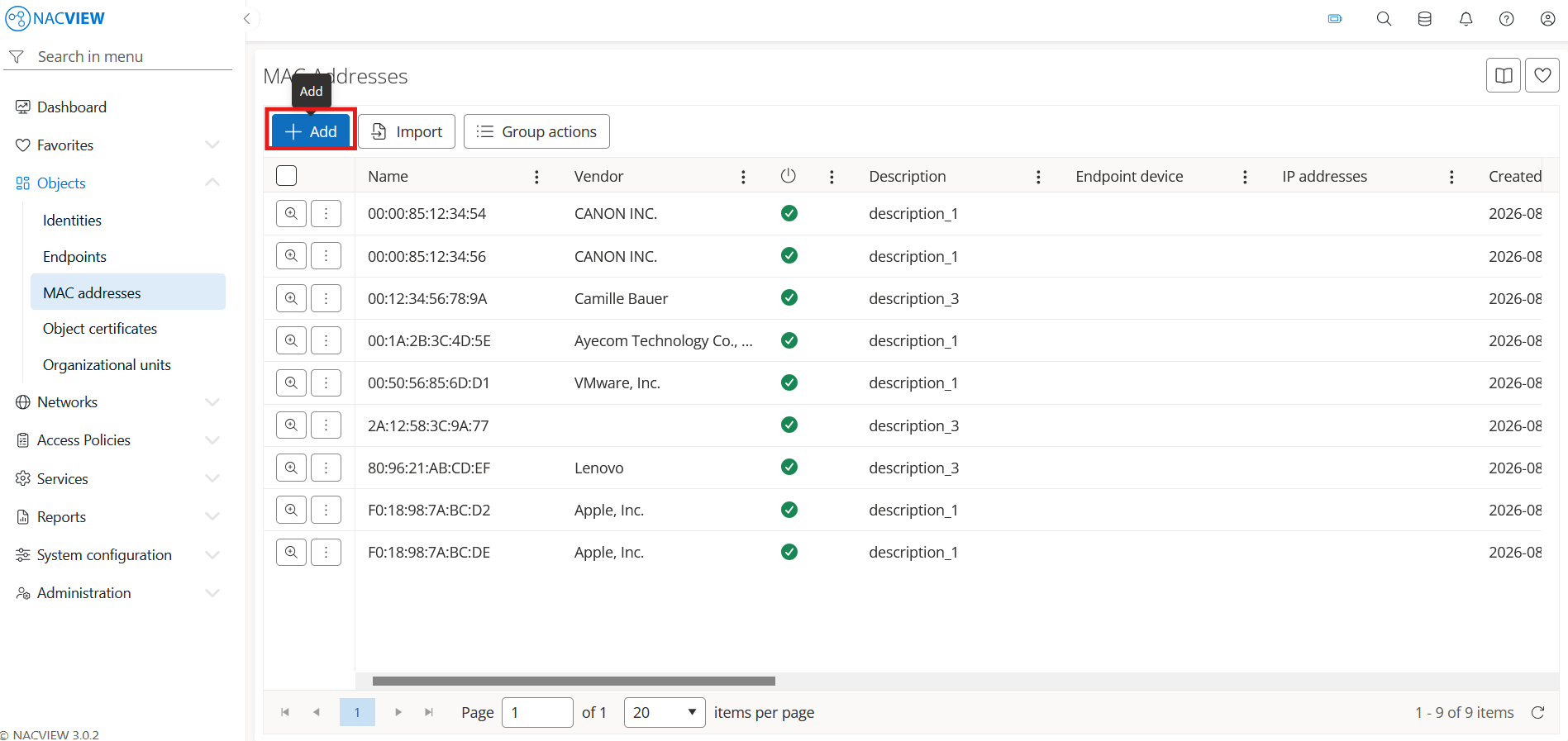
Open Objects and go to the MAC Addresses.
Select the
Addbutton
Fill the MAC Address fields.
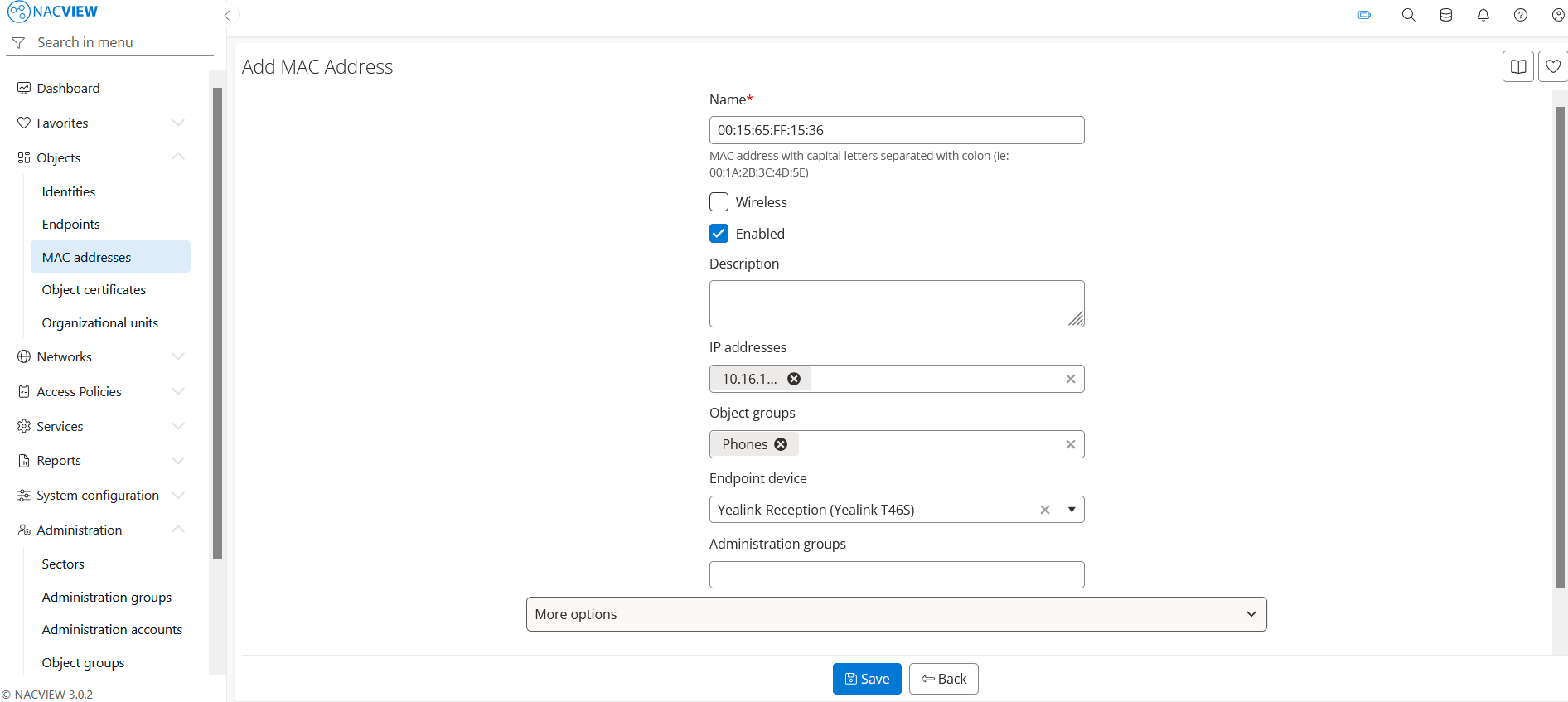
To add more identity details, expand More options.
Note
To create custom fields, go to System configuration › Configurators › General system configuration
4. Select the Save button to create the MAC Address.
The new MAC Address appears on the MAC Addresses list.
Note
To discard your changes without creating the MAC Address, select Back button.