Multi create🔗
Use this method to create multiple new Standard accounts at once, using a shared prefix.
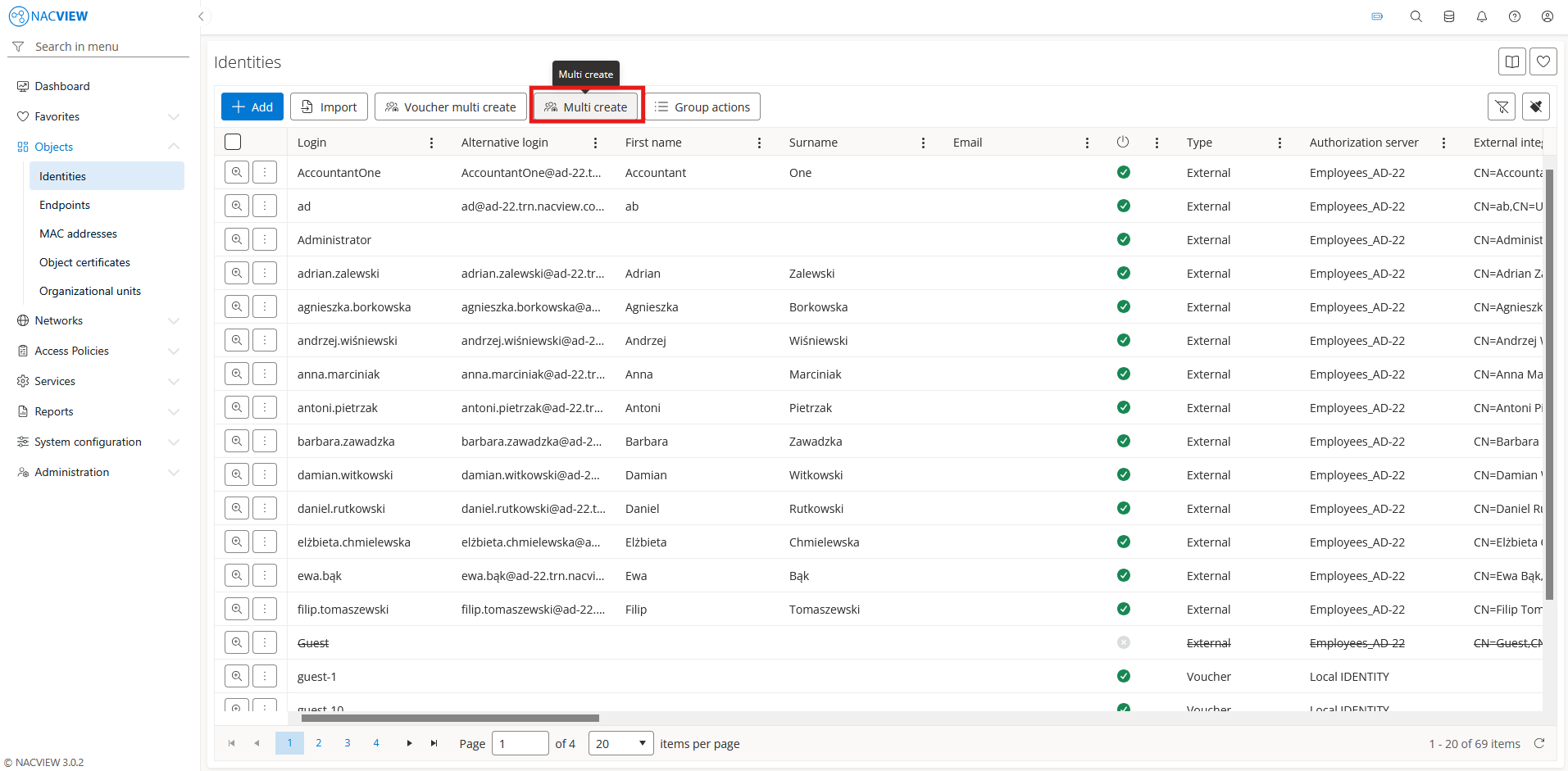
Open Objects and go to Identities.
Select the
Multi createbutton.
Fill the identity fields.
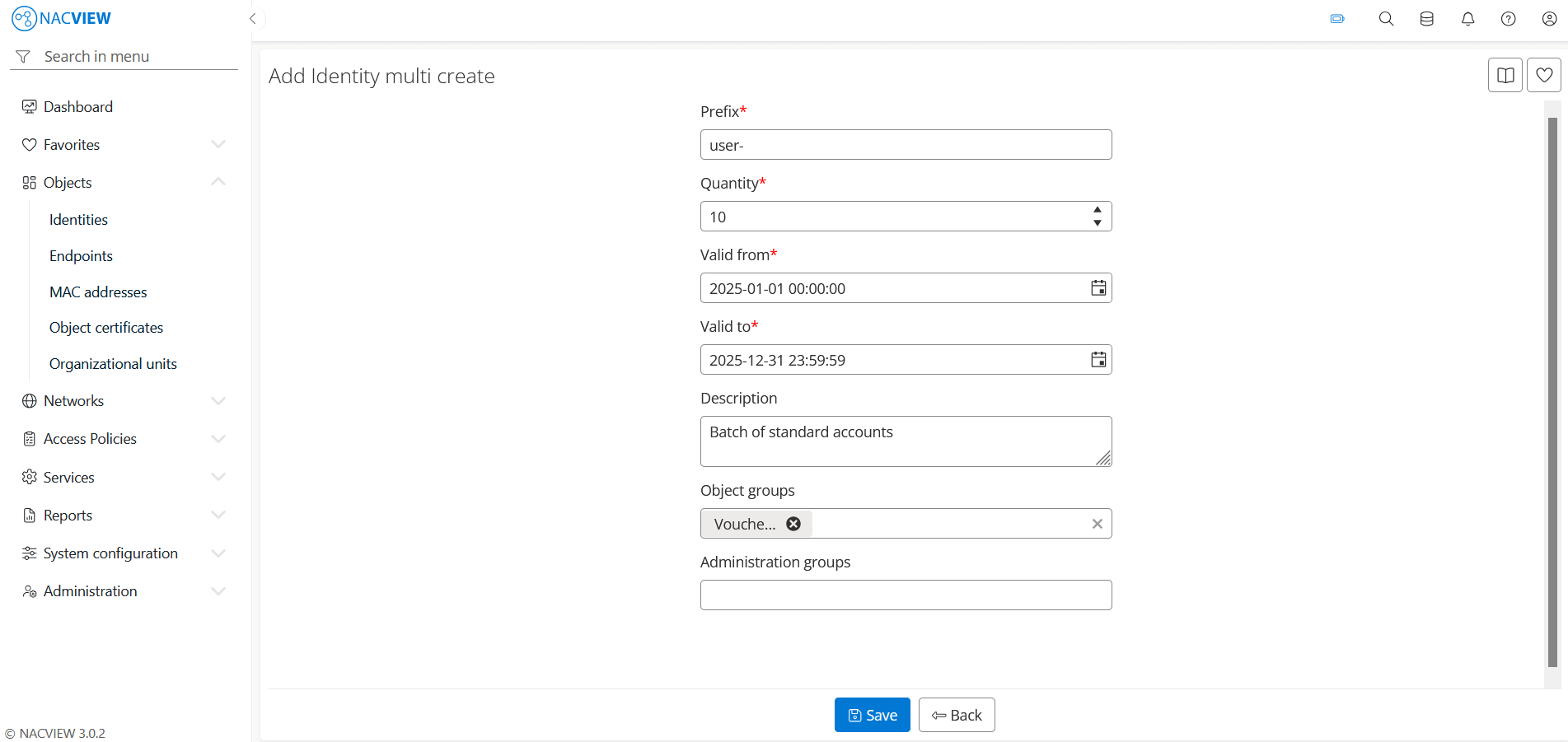
Select the
Savebutton to create the accounts. The new accounts appear on the Identities list.
Note
To discard your changes without creating the accounts, select the Back button.